What an expert witness conflict check has to cover
Attorneys run conflict checks on clients. Experts need a different check, because the risk comes from your own history: who you worked for, who you testified against, and where you practiced. On a med mal, personal injury, nursing home or wrongful death case, a real check asks at least these questions.
- Parties. Do you know or have a relationship with any plaintiff, defendant or other named party?
- Side history. Have you worked for a party who is now on the other side? Switching sides against a former client is exactly what opposing counsel looks for.
- Employers and affiliations. Is a defendant your current or past employer, or a hospital where you hold privileges or trained?
- Facilities and dates. Did you work at the facility where the patient was treated, during the incident window, even if the facility is not a named defendant?
- Parent companies. Is the defendant facility owned by the same company as a facility you work for or used to work for?
- Opposing counsel. Has the firm on the other side retained you before? Being cross-examined by a firm that knows your past work product is something the retaining attorney needs to hear from you first.
Why experts choose ConflictPro
Built inside a working expert firm
Most tools in this space are built by software developers. ConflictPro is built by the people who place the experts, and by the experts who use it.
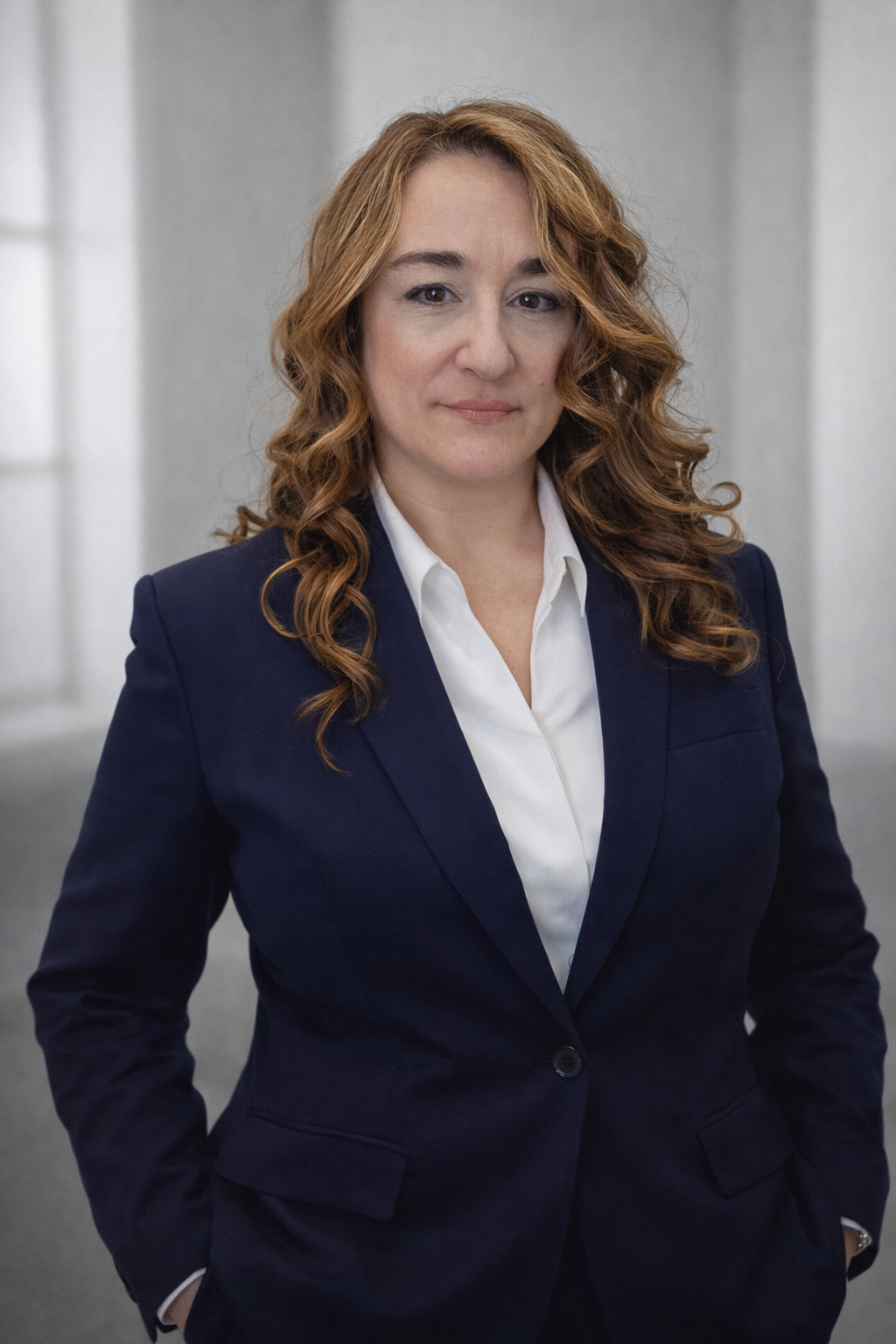
ConflictPro comes from Med Legal Pro, the medical-legal consulting firm Tracy Liberatore, Esq., PA-Emeritus, founded in 2016. Her team screens and matches medical and nursing experts on med mal, personal injury, nursing home and wrongful death cases for plaintiff, defense and criminal attorneys.
It runs our own caseload every day
Med Legal Pro's cases, experts and engagements live in ConflictPro, with thousands of conflict checks run on real cases.
Our experts use it on live cases
Med Legal Pro's own nurse and physician experts use ConflictPro on live cases, and their feedback shapes what gets built.
Every rule comes from a real conflict
The parent company check, the facility and date overlap, and the side history rules each exist because a conflict like it would have gotten an expert struck.
Why a name search misses real conflicts
Most tools that list a conflict check search your records for a name you type. That catches the obvious match and misses the ones that disqualify experts. Nursing facilities change names and are owned by chains that operate under dozens of names. Attorneys move between firms. Captions abbreviate. Searching for "Willow Creek Care Center" will not tell you it shares an owner with the facility where you pick up shifts.
ConflictPro matches whole names instead of fragments, so "Williams" does not falsely match "Williamsport Home", and it resolves facilities to their owners using public CMS ownership data for nursing homes and hospitals. A facility under a different name but the same parent company is flagged.
The Two-Level Expert Conflict Check
- Level 1, at intake. Runs automatically when an engagement is created, when an expert is assigned, and whenever party names change. It compares the case parties, defendants, facilities and opposing firm against the expert's case history, employers, affiliations, dated facility history and the ownership chain.
- Level 2, when the records arrive. Scans the case records against the expert's own conflict terms, to catch names that never appeared in the caption. Record text is read, matched and discarded, not stored.
Each result is Cleared, Soft Flag or Hard Conflict. A case with no party names on file returns Insufficient Data rather than a false clearance, because a check that matched against nothing has not cleared anything.
A dated clearance record, not a memory
If opposing counsel asks whether you checked for conflicts before you took the case, the honest answer is usually "I believe so." ConflictPro replaces that with a permanent entry: the date the check ran, who ran it, the expert and case it covered, and the outcome. Soft flags also record who decided to proceed and why. Firms can show the same record to attorneys who want to know how their experts are screened, and ConflictPro issues a Conflict Clearance Certificate for the engagement.
Built for experts and expert firms
ConflictPro is used by independent medical experts and by legal nurse consulting and medical-legal consulting firms that place many experts. It was built inside Med Legal Pro, a medical-legal consulting firm that runs every one of its own placements through the check. Alongside the check you get case tracking, contracts with e-signature, retainers, a time clock and billing tracking; see the practice management page and the expert witness CRM page.
Want to see how hard this is by eye? Try the Conflict Challenge: five incoming cases, a short case history, and two hidden conflicts. Or compare tools on the comparison page. Plans start at $49 a month at beta pricing with a 14-day free trial on the pricing page.
Frequently asked questions
How does an expert witness run a conflict check?
+
Compare every party, defendant, facility and attorney on the new case against your own case history, employers, affiliations and the facilities you worked at, including who owns them. ConflictPro does this automatically at intake and logs the result with a date.
What conflicts can disqualify an expert witness?
+
Common ones are working for a party who is now on the other side, a relationship with a party, employment at or affiliation with a defendant, and having worked at the facility involved during the incident. Whether a conflict is disqualifying depends on the court and the facts, so the safest path is to find it before you accept the case and disclose it to the retaining attorney.
Does ConflictPro check parent companies of facilities?
+
Yes. It resolves nursing homes and hospitals to their owners using public CMS ownership data, so a defendant facility that shares an owner with a facility in your history is flagged even when the names differ.
What proof do I have that a check was run?
+
Every check is written to a permanent log with the date, who ran it, the expert and case, and the outcome: Cleared, Soft Flag or Hard Conflict. Soft flags also record who authorized proceeding and why.
Is my data private?
+
Yes. ConflictPro is a login-only system with role-based access and an audit log. Level 2 record scans read, match and discard record text rather than storing it. Details are on our confidentiality page.